

Swagger UI
The Swagger UI is the easiest way to execute REST requests for Atoti Limits. All Atoti Limits endpoints are available on this UI, which is located at{base-url/swagger-ui/index.html}.
Swagger is disabled by default but you can enable it by starting Atoti Limits with the property
springdoc.swagger-ui.enabled=true. This property is also configurable in application.yml.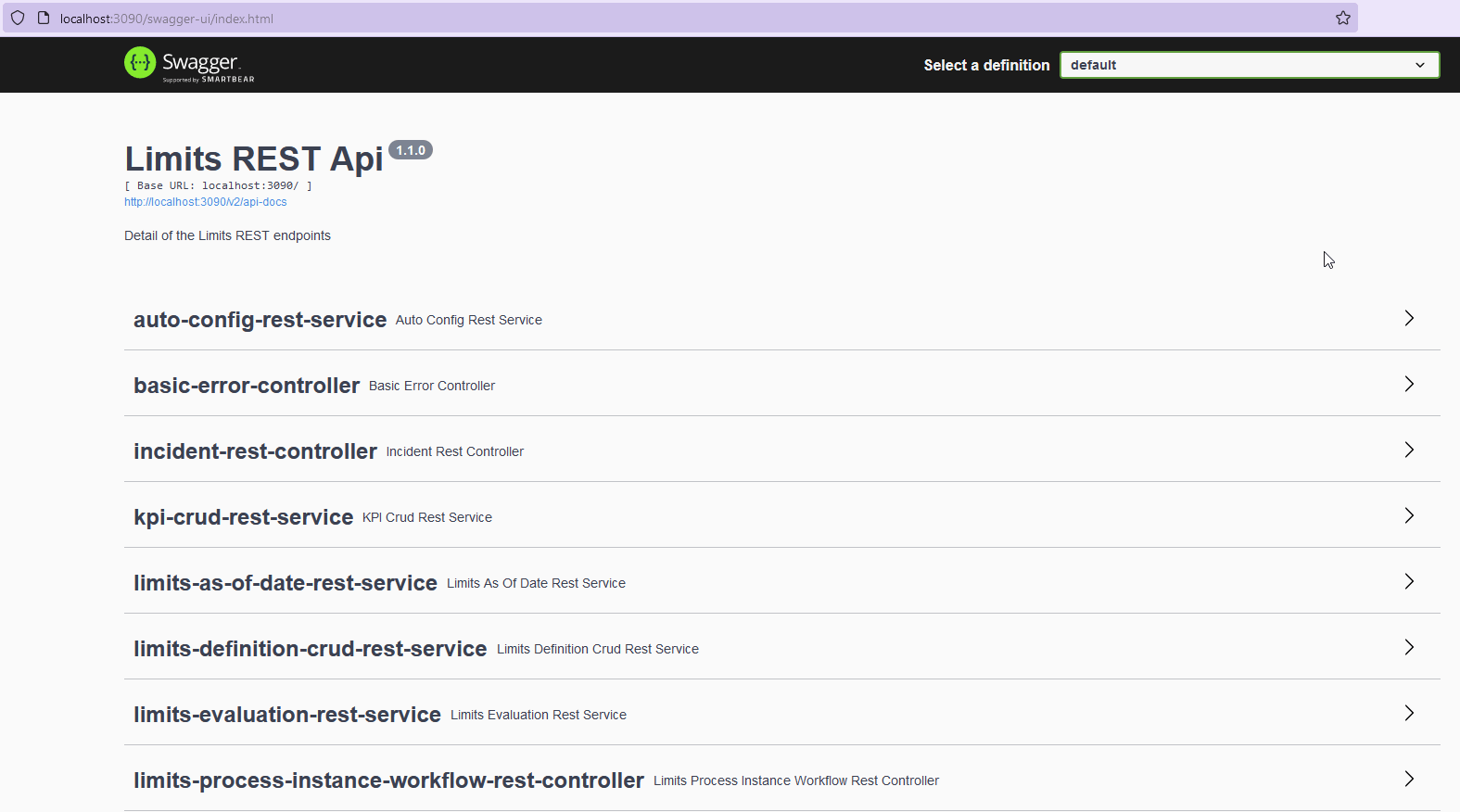
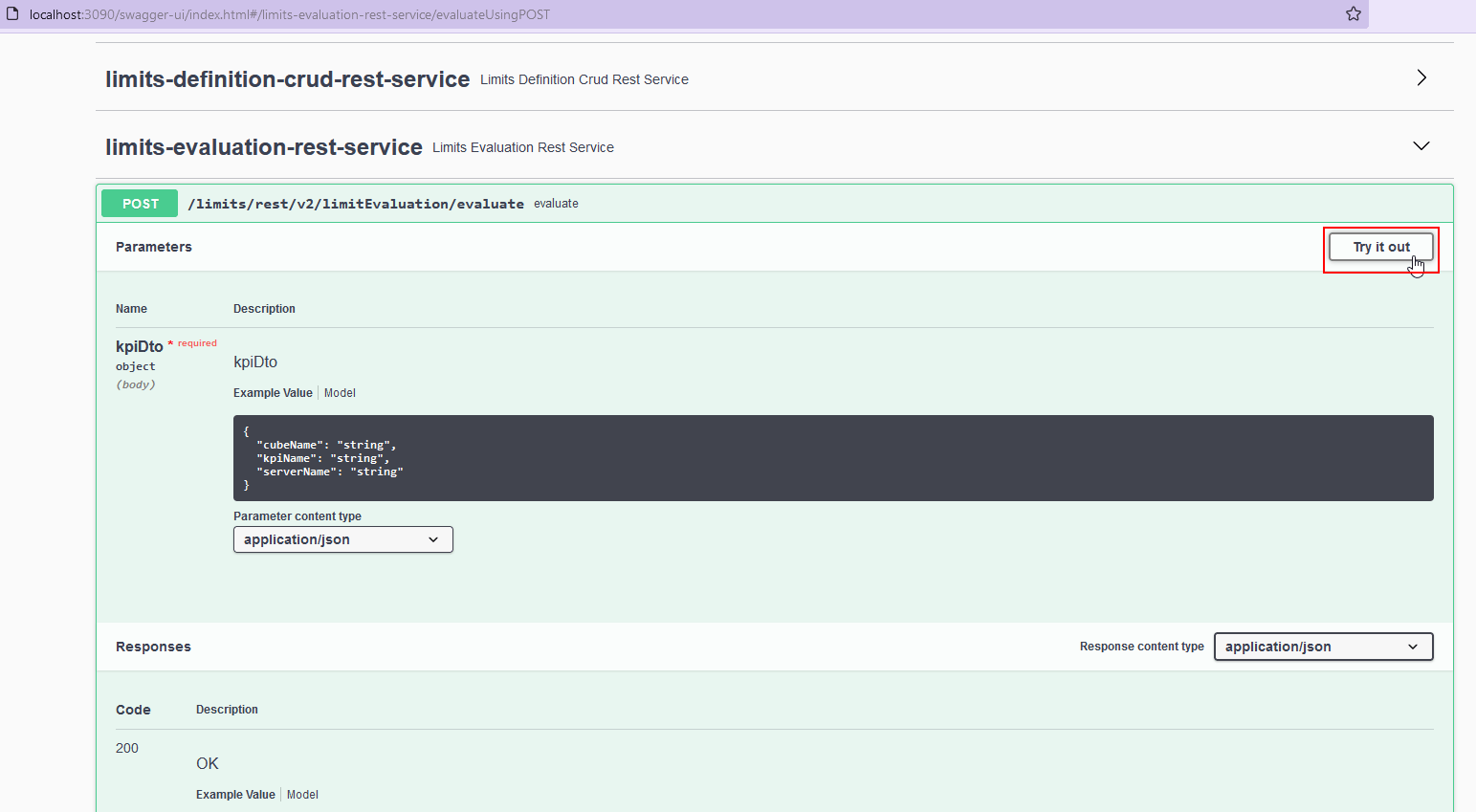
Limit breach and warning evaluation
For details, see the On-demand limit evaluation section.Create/update new/existing limit structures
- REST endpoint:
/limits/rest/v2/limitDefinition/structure/save - Method: POST
- Example Endpoint:
http://localhost:3090/limits/rest/v2/limitDefinition/structure/save - Example body:
This endpoint serves as a convenience endpoint for creating or updating limit structures. If you want to explicitly create or update one, then you can do so by using the:
- POST Create endpoint:
/limits/rest/v2/limitDefinition/structure/create - PUT Update endpoint:
/limits/rest/v2/limitDefinition/structure/update
save endpoint.Create new or update existingfrom no limits
- REST endpoint:
/limits/rest/v2/limitDefinition/limits/save - Method: POST
- Example Endpoint:
http://localhost:3090/limits/rest/v2/limitDefinition/limits/save - Example body:
Upload a file of new limit structures
- REST endpoint:
/limits/rest/v2/limitDefinition/uploadStructures - Method: POST
- Example Endpoint:
http://localhost:3090/limits/rest/v2/limitDefinition/uploadStructures - Example body (text representation of binary file):
Upload a file of new limits
- REST endpoint:
/limits/rest/v2/limitDefinition/uploadLimits - Method: POST
- Example Endpoint:
http://localhost:3090/limits/rest/v2/limitDefinition/uploadLimits - Example body (text representation of binary file):
- REST endpoint:
/limits/rest/v2/limitDefinition/export - Method: POST
- Example Endpoint:
http://localhost:3090/limits/rest/v2/limitDefinition/export - Example body:
Check if the logged-in user can start the workflow
- Endpoint:
/limits/rest/v2/limitDefinition/canStart - Method: GET
- Example Endpoint:
http://localhost:3090/limits/rest/v2/limitDefinition/canStart
Expire the workflow
Expires the limits whose end date has passed. No role is required. Limits using a non-legacy workflow, such as the Six-Eyes Approval Process, expire without approval once the as-of date passes their end date: both theasOfDate of the request and the current as-of date, set by the data load or by POST /limits/rest/v2/asOfDate/set, must be after it. Limits using a legacy workflow expire against the asOfDate of the request.
- Endpoint:
/limits/rest/v2/limitDefinition/expire - Method: POST
- Example Endpoint:
http://localhost:3090/limits/rest/v2/limitDefinition/expire - Example body:
Approve the workflow
- Endpoint:
/limits/rest/v2/limit-process-instance/approve - Method: PUT
- Example Endpoint:
http://localhost:3090/limits/rest/v2/limit-process-instance/approve - Example body:
Workflow audit history
Breach management history
- Endpoint:
/limits/rest/v2/limit-process-instance/process-instance-history/{key}::EXCEPTION - Method: GET
- Example Endpoint:
/limits/rest/v2/limit-process-instance/process-instance-history/-1749471693::EXCEPTION - Example body:
Limit management history
- Endpoint:
/limits/rest/v2/limit-process-instance/process-instance-history/{key}::CREATION - Method: GET
- Example Endpoint:
/limits/rest/v2/limit-process-instance/process-instance-history/-174947169::CREATION - Example body:
Display decision buttons for a given limit’s status
- Endpoint:
/limits/rest/v2/limit-process-instance/getWorkflowUIActions - Method: GET
- Example Endpoint:
http://localhost:3090/limits/rest/v2/limit-process-instance/getWorkflowUIActions?limitId=<limit's ID>
Execute workflow from decision button
- Endpoint:
/limits/rest/v2/limit-process-instance/executeWorkflow - Method: PUT
- Example Endpoint:
http://localhost:3090/limits/rest/v2/limit-process-instance/executeWorkflow - Example body: